SuperSprite for GameMaker
About
SuperSprite is a useful helper for your GameMaker projects that gives your sprites even more power!
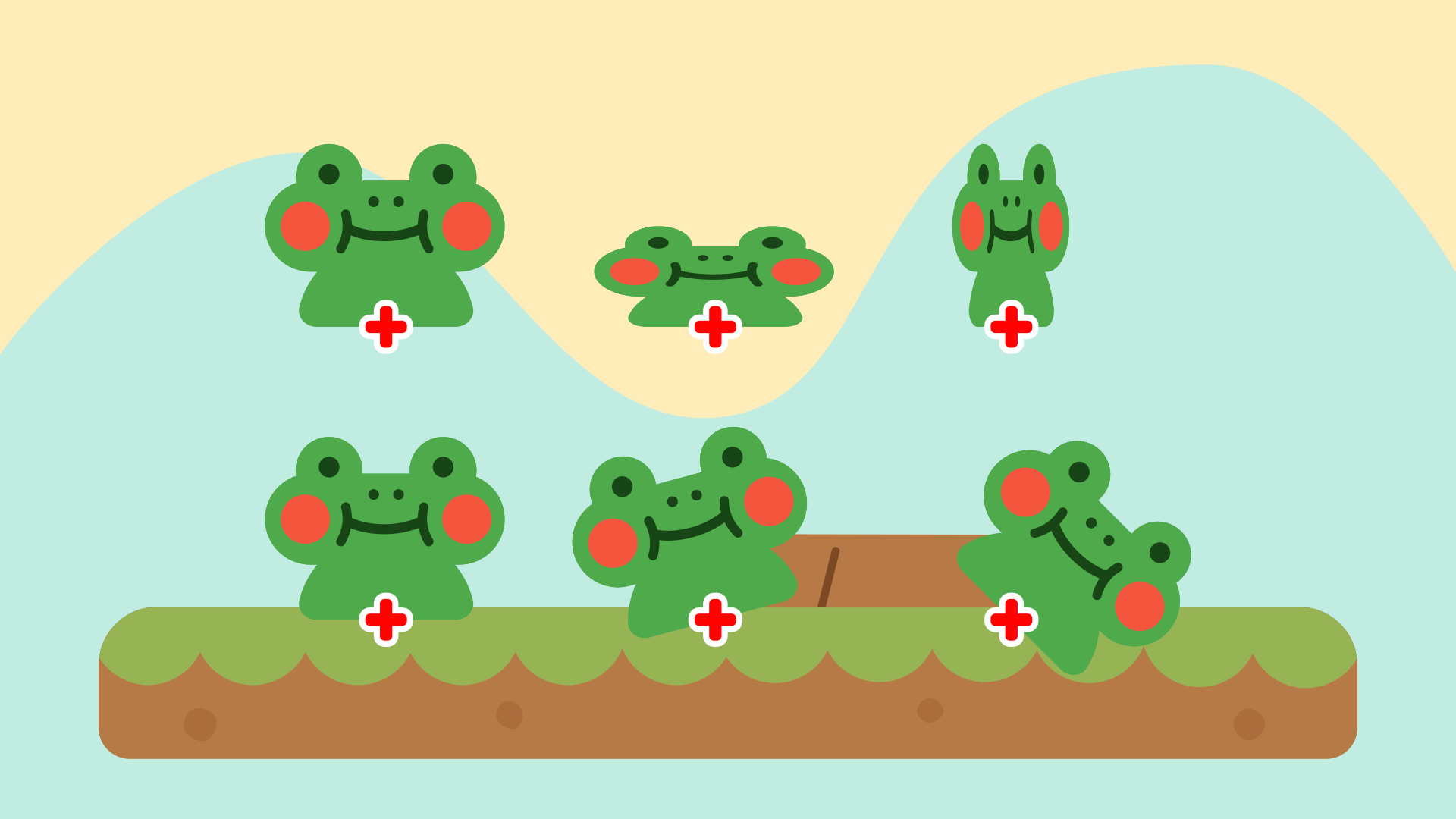
SuperSprite handles sprite playback the same way you probably already do, but wraps it up in a single place:
-
Looping and non-looping animations
-
Optional callbacks when an animation finishes
-
Frame callbacks that still work if frames are skipped or the animation loops
And most exciting (we think) is that it adds an "effects channel" system. Each channel can drive one transform (position, scale, rotation, alpha) using an Animation Curve. That makes it easy to add things like squash, recoil, idle motion, or hit reactions without writing custom code every time.
How to Use
You can use it like you would regular sprites. Instead of
sprite_index = spr_attack;
You'll use:
sprite.play(spr_attack);
You can even tell the attack sprite to freeze at the end, and to run a new script when it's done! No more managing animation stopping in the Animation End event.
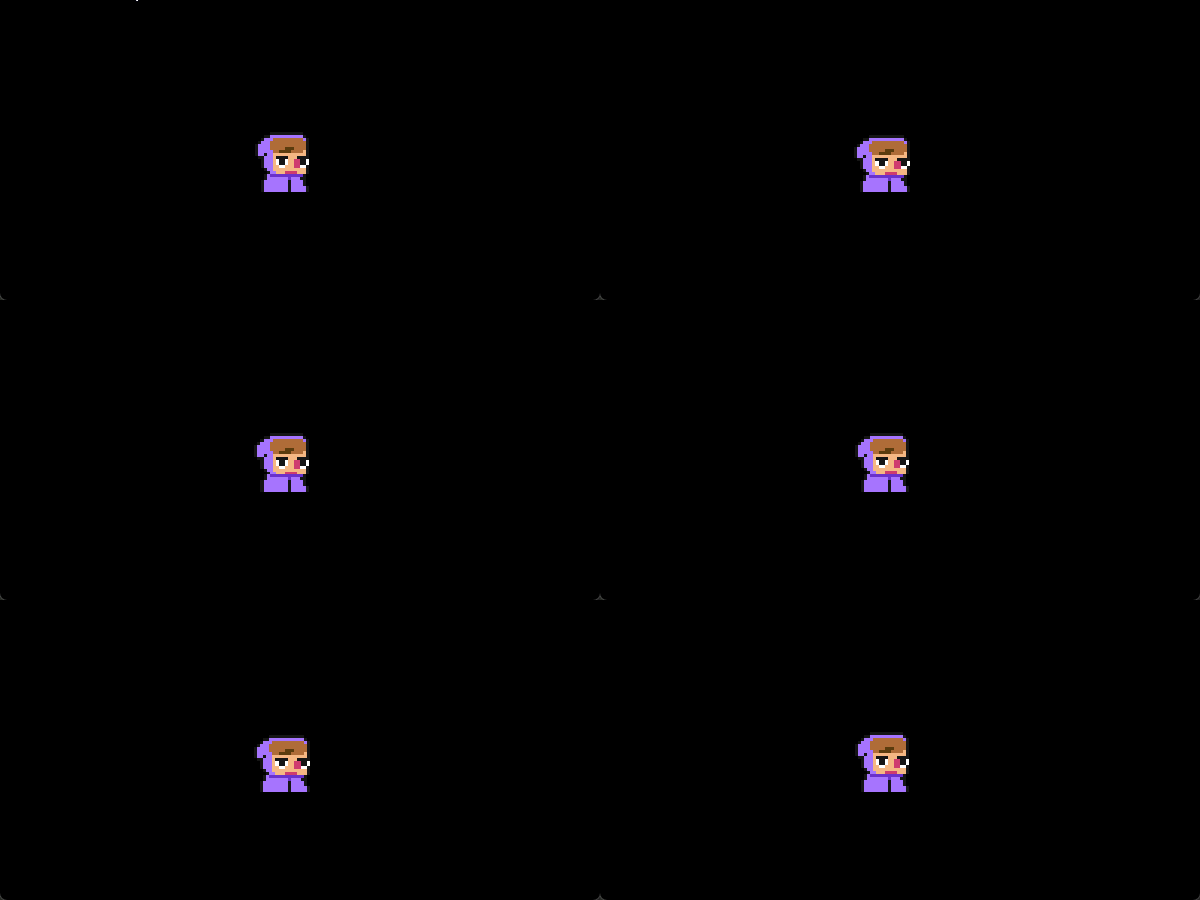
The real magic is with the dynamic and procedural effects you can do during gameplay. Using them is as simple as:
sprite.wave();
sprite.breathe();
sprite.jump();
...and much more!
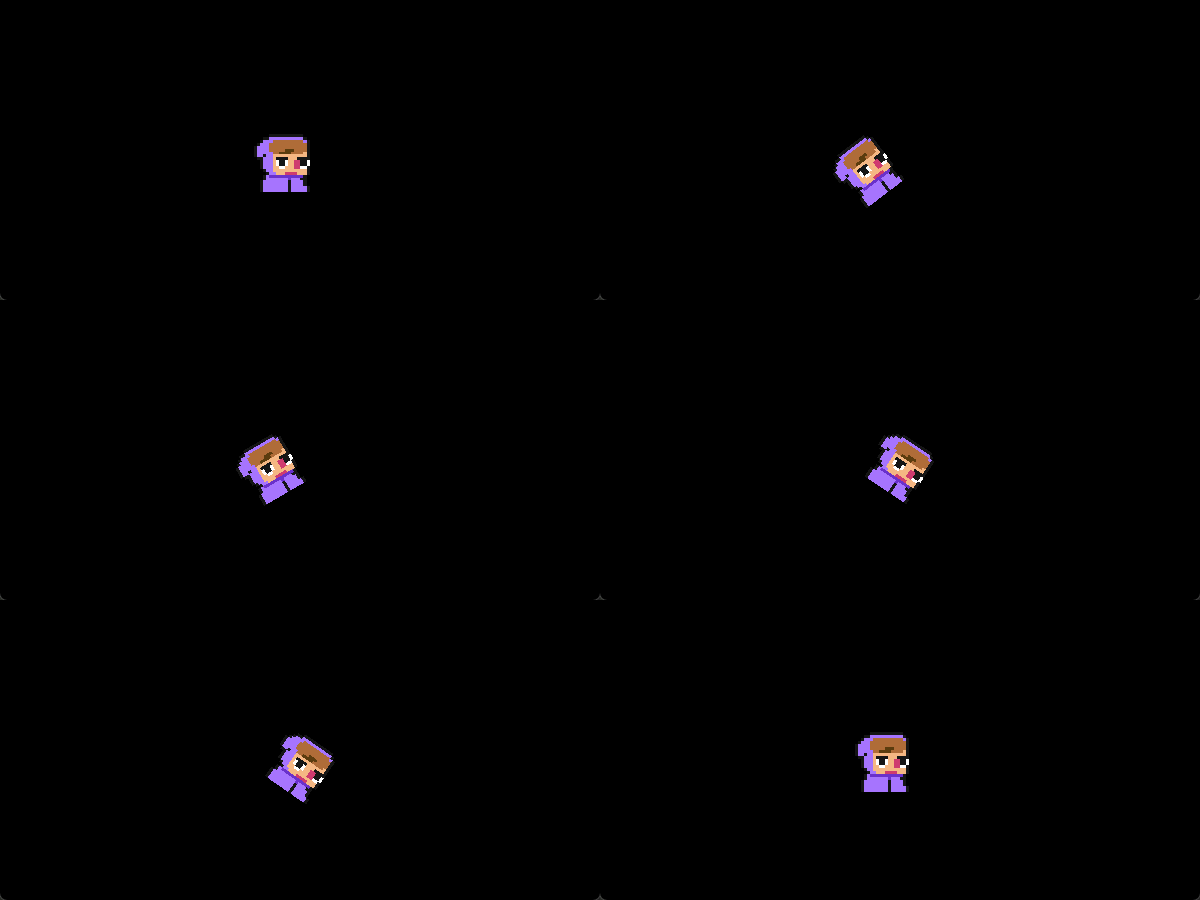
You'll get some great effects with a single line of code, but you can define your own effects if you're feeling up to it, too! You'll have full access to scaling, x/yoffsets, and rotation to create your own custom animations.
You can either link them in sequence!
SuperSprite is a good fit for you if you want nicer animations, are tired of repetitive animation code, or care about readability and reuse.
Documentation
Read about how to use SuperSprite here.
What's Inside
Included is a .yymp that's easily imported into GameMaker. It's got a couple of assets and that's all you need. It's well commented, too!
How to Install
First, open your GameMaker project and go to Tools > Import Local Package and find the SuperSprite.yymp file. Then, add the folder to your project!
You need three lines of code in your object to get it to set up:
CREATE Event:
sprite = new SuperSprite(sprite_index);
END STEP Event:
sprite.update();
DRAW Event:
sprite.draw();
...and that's it! From there, you can call sprite.play() to play a new sprite, or use effects like sprite.jump() or sprite.shove()
Requirements
-
GameMaker 2.3+ (It uses structs/constructors)
Purchase
In order to download this asset pack you must purchase it at or above the minimum price of $5 USD. You will get access to the following files:
Development log
- DocumentationDec 26, 2025

Leave a comment
Log in with itch.io to leave a comment.